How to Find Pix Keys Registered Under My CPF Using Registrato
Finding out whether there are Pix keys registered under your CPF without your authorization is simpler than it seems: the Central Bank of Brazil offers, through Registrato, a free report that shows all the keys registered in your name and…
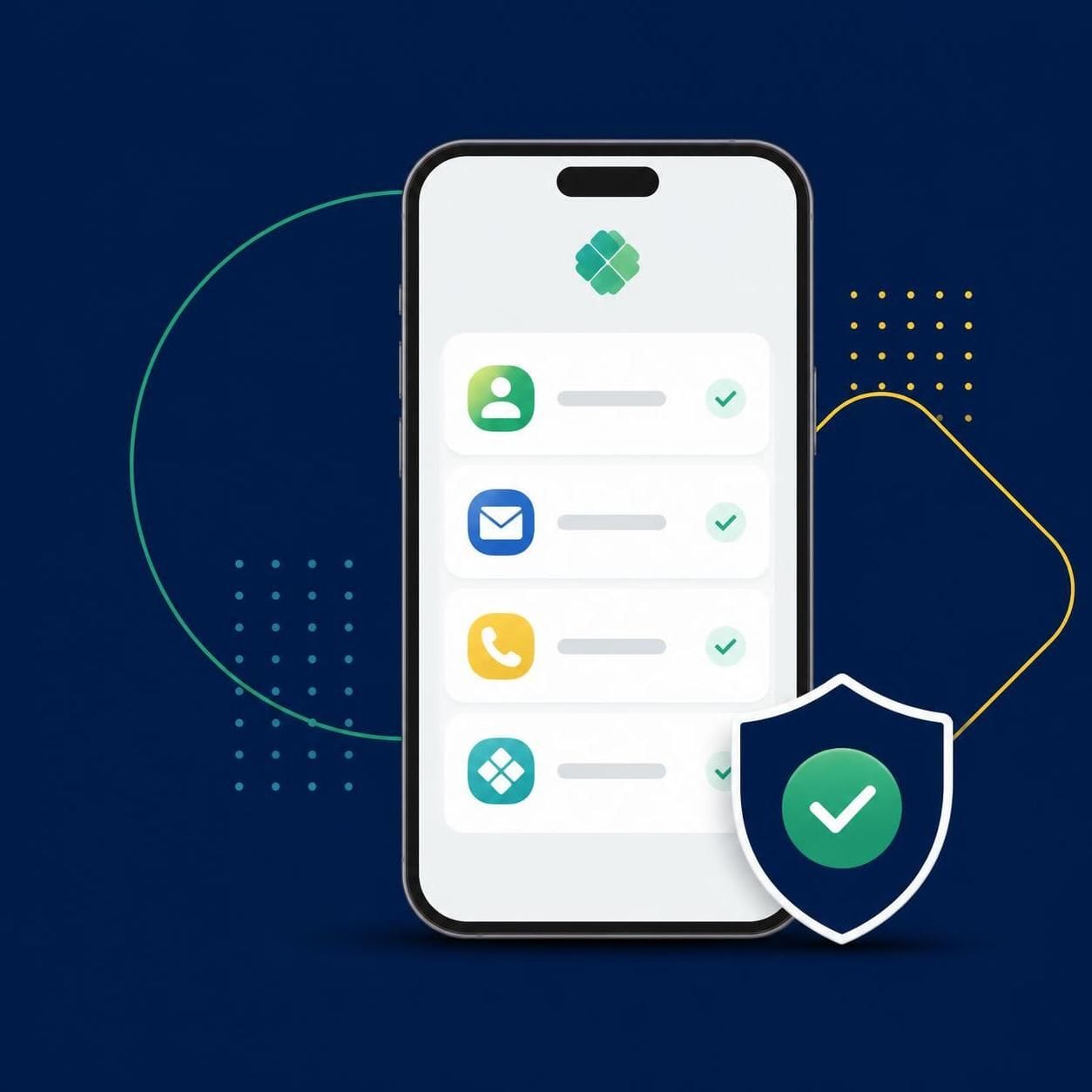
Finding out whether there are Pix keys registered under your CPF without your authorization is simpler than it seems: the Central Bank of Brazil offers, through Registrato, a free report that shows all the keys registered in your name and the status of each one. In this guide, you will learn what this report is, how to request it step by step, how to review your keys, and what to do if you find one you don't recognize.
What is the Registrato Pix keys report
Registrato is the system of the Central Bank of Brazil that gathers information about your relationships with financial institutions. Among the available reports is the Pix keys report, which shows the keys registered in your name and the status of each one, helping you identify unknown keys.
There are two types of report:
- Current Pix Keys: lists active keys, keys under judicial block, under ownership claim, or in portability;
- Complete Pix Keys: includes the current keys plus the history of deleted keys.
If you suspect that someone registered a key under your CPF without permission, the current keys report already lets you verify this. The complete report is useful when you also want to review keys that were deleted in the past.
Step by step to request the report
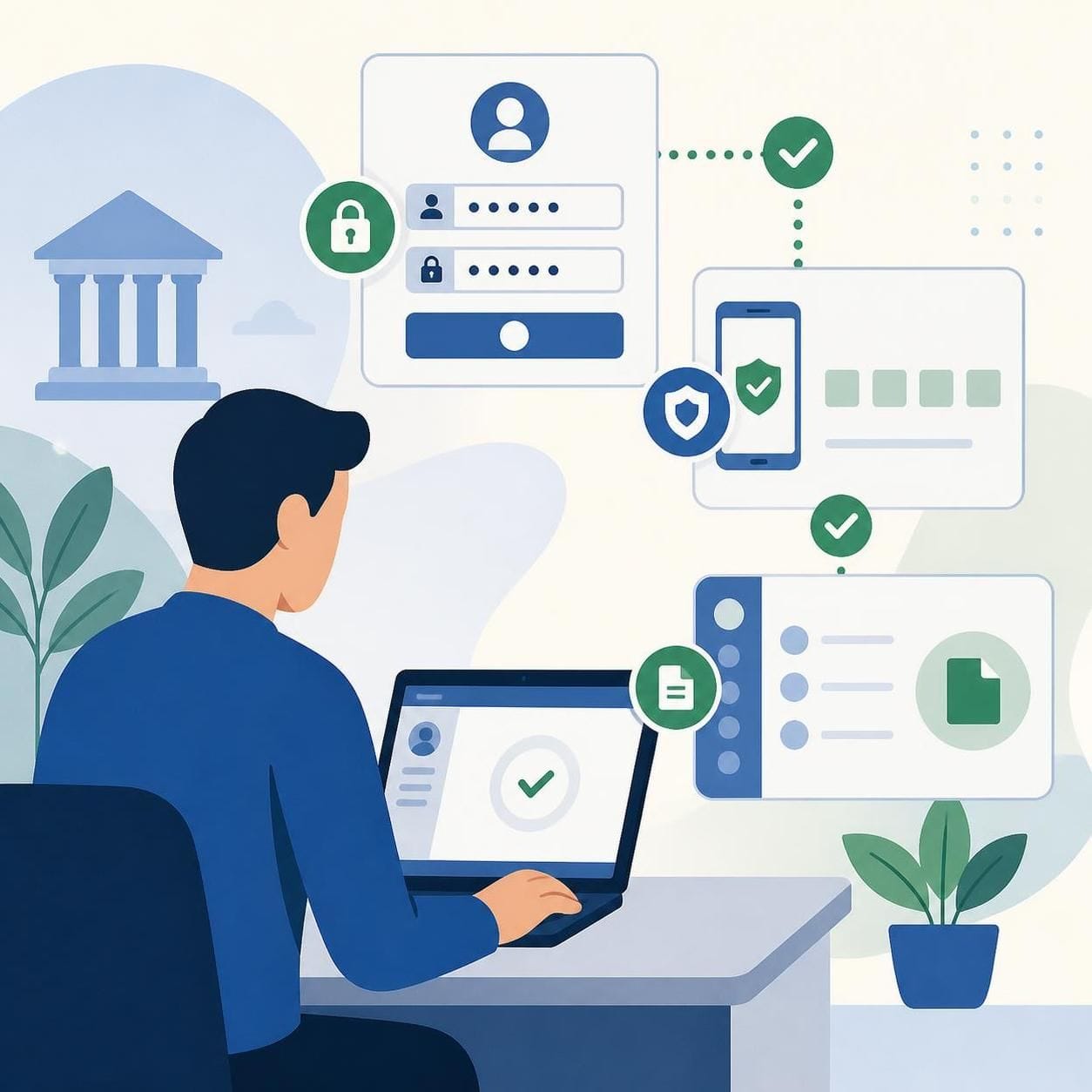
To request the Pix keys report, follow these steps:
- Access the official service page "Emitir relatório de chaves Pix" on gov.br;
- Click "Iniciar serviço" to enter Registrato/Meu BC;
- Log in with your gov.br account at silver or gold level;
- Have two-step verification enabled on your gov.br account;
- Choose the report type: Current Pix Keys or Complete Pix Keys;
- Wait for delivery: the current keys report is issued instantly, within the system itself; the complete one can take up to 2 business days.
The service is free and available to both individuals and businesses. There are also alternative channels, such as an Information Request to the Central Bank and a request by mail, for those who cannot use digital access. The report is confidential: only the account holder (or an authorized person) can request it.
Important: the timeframes above follow the official Central Bank page as of 2026-10-10 and may change.
How to review your keys and act on unknown ones
When you open the report, compare each listed key (CPF, email, phone, random) with the ones you actually registered. Pay attention to the status of each key as well.
If you find a key you don't recognize:
- Don't ignore it: an unknown key may indicate misuse of your CPF;
- Contact your financial institution to understand the origin of the registration and request the appropriate measures;
- Contact the Central Bank through official channels if necessary.
There is no guarantee of refunds or fixed resolution timeframes provided by this guide: each case depends on the institution's analysis and the current Pix rules. What the report guarantees is the information — the rest depends on your prompt action with your bank and the Central Bank.
Differences between Pix and CCS
In addition to the Pix keys report, Registrato offers the CCS report, which answers a different question: at which banks and institutions you have or had relationships. Here are the main differences:
| Feature | Pix Keys Report | CCS Report |
|---|---|---|
| What it shows | Pix keys registered under your CPF/CNPJ and the status of each one | Banks/institutions where you have or had an account, investment, or relationship, with start and end dates |
| What it doesn't show | Balances, transactions, banking details | Branch and account number, registration data, balances, transactions |
| Coverage | Current keys (or full history, in the Complete report) | Relationships since 01/01/2001 (or earlier ones not closed by 12/31/2000) |
| Delivery time | Immediate (Current); up to 2 business days (Complete) | Immediate, within the system |
| Cost | Free | Free |
| Access | gov.br silver/gold account + two-step verification | gov.br silver/gold account + two-step verification |
Both reports are official and free services of the Central Bank, accessed through Registrato, and they complement each other: the Pix keys report checks keys in your name; the CCS report helps verify misuse of your CPF when opening accounts. If you want to understand this second report better, see how to identify unknown accounts with the CCS report.
Security: why check your Pix keys
Pix keys are the gateway to instant transfers. A key registered without your authorization could be used to receive transfers in your name or indicate fraud with your data. Periodically checking the Registrato report is a simple, free, and official preventive measure.
Complementary good practices:
- keep your gov.br account at silver or gold level, with two-step verification enabled;
- never share passwords or verification codes;
- be wary of links promising to "check Pix keys" outside the official gov.br channels — the only legitimate path is Registrato/Meu BC;
- also review the CCS report to check for accounts you don't recognize.
FAQ
Is the Pix keys report paid? No. The service is free, just like the CCS report.
How long does the report take? The Current Pix Keys report is delivered immediately in the system. The Complete report, which includes deleted keys, can take up to 2 business days (timeframe per the official page as of 2026-10-10, subject to change).
What gov.br account level do I need? Silver or gold level, with two-step verification enabled.
Can businesses also request the report? Yes. The service is available to both individuals and businesses.
Does the report show balances and transactions? No. It only shows the registered keys and the status of each one. To see at which banks you have or had accounts, the appropriate report is the CCS.
I found an unknown key. Does the Central Bank refund the money? This guide cannot promise timeframes or guaranteed refunds. Contact your financial institution and the Central Bank through official channels to handle the case.
Conclusion
Checking your Pix keys through Registrato takes a few minutes, is free, and can save you headaches with fraud. Request the Current Pix Keys report for a quick check, or the Complete one if you also want to review the history of deleted keys. If anything looks strange, contact your bank and the Central Bank as soon as possible. And, to further protect your CPF, complement the check with the CCS report, which reveals accounts and banking relationships in your name.
This content is educational and does not constitute individual investment advice or legal guidance. Timeframes and rules follow the official Central Bank pages as of 2026-10-10 and may change.